
فروشگاه ناوک - آموزش و نرم افزار گرافیکی انیمیشن طراحی و معماری
ارزانترین فروشگاه ارائه دهنده محصولات گرافیکی ، آموزشی ، نرم افزار و معماری
فروشگاه ناوک - آموزش و نرم افزار گرافیکی انیمیشن طراحی و معماری
ارزانترین فروشگاه ارائه دهنده محصولات گرافیکی ، آموزشی ، نرم افزار و معمارینظرسنجی
روزانهها
همه- فروشگاه بزرگ ناوک گرافیک بزرگترین و ارزانترین فروشگاه محصولات گرافیک و انیمیشن
پیوندها
دستهها
- آموزش Maya 538
- آموزش 3DSMax 375
- آموزش Photoshop 299
- آموزش Zbrush 171
- آموزش Premire 17
- آموزش After Effect 128
- آموزش softimage XSI 81
- آموزش VUE 35
- آموزش Fusion 18
- آموزش Loxology Modo 36
- آموزش Mudbox 25
- آموزش Apple Shake 7
- آموزش Houdini 39
- آموزش Flash 18
- آموزش Lightwave 3D 17
- آموزش Cinema 4D 76
- آموزش جلوه های ویژه Master Class 2
- آموزش AutoCad 26
- آموزش RealFlow 26
- مجله ویدئویی stash media 74
- 3d Models and Textures 301
- آ موزش corel painter 3
- آموزش Illustrator 17
- آموزش Blender 16
- آموزش Stitcher 1
- آموزشهای دیگر 188
- آموزش Archicad 3
- آموزش زبان 34
- نرم افزار 246
- آموزش مایکروسافت 51
- BodyPaint 3D 8
- آموزش Web 31
- آموزش CorelDraw 4
- معماری 21
- آموزش Indesign 4
- آموزش 3D Coat 2
- آموزش SolidWorks 3
- جلوه های ویژه FXPHD 4
- آموزش Foundry Mari 14
- آموزش UDK 21
- آموزش Massive 3
- آموزش Unity3D 36
- آموزش NUKE 43
- آموزش MotionBuilder 7
- آموزش Boujou 2
- محصولات Digital Juice 48
- آموزش Mocha 4
- آموزش SILO 2
- آموزش Sculptris Alpha 2
- آموزش Studio Tools 2
- آموزش Cryengine 6
- آموزش Pftrack 3
- آموزش SynthEyes 3
- آموزش CityEngine 1
- آموزش Poser 2
- آموزش Lightroom 2
- آموزش Pro/ENGINEER 1
- مجله گرافیک و معماری 6
- آموزش Rhino 3D 5
- آموزش NAIAD 2
- آموزش AVID 3
- آموزش Smoke 1
- آموزش headus UVLayout 1
- آموزش Scratch 2
- آموزش TopoGun 1
- آموزش Pinnacle Studio 1
- آموزش Google SketchUp 2
- آموزش فیلم سازی 1
- آموزش EDIUS 1
- آموزش SpeedGrade 2
- نحوه خرید از فروشگاه ناوک 1
ابر برجسب
وی ری مدلهای سه بعدی مایا انیمیشن تجارت با ایمیل تجارت الکترونیکی زیبراش مدلسازی خودرو افتر افکتز کوزه تری دی مکس بیلیارد وسایل ورزشی ارزانترین نرم افزارجدیدترین یادداشتها
همه- لیست جدید محصولات مورخ 1395/12/06
- بروزرسانی محصولات ( 9962 محصول ) در مورخه جمعه 1395/07/09( لطفا لیست جدید را دانلود نمائید )
- Lynda.com - Drupal 7 Essential Training Full شماره 3192
- Lynda.com - PayPal Essential Training Full شماره 3191
- Lynda.com - Illustrator CS6 One-on-One Fundamentals شماره 3190
- Lynda.com - Trapcode Particular Essential Training شماره 3189
- Digital Tutors - Character Animation Setup In XSI شماره 3188
- Allegorithmic Substance Designer 3.1.0 Build 10337 MacOS شماره 3187
- Allegorithmic Substance Designer 3.1.0 Build 10337 Win64 شماره 3186
- Microsoft Office Professional Plus 2013 Beta x64 شماره 3185
- Microsoft Office Professional Plus 2013 Beta x86 شماره 3184
- Lynda.com - XML Essential Training شماره 3183
- Lynda.com - SQL Server 2008 Essential Training شماره 3182
- Lynda.com - Photoshop Elements 10 Essential Training شماره 3181
- Lynda.com - Real World XML Full شماره 3180
بایگانی
- اسفند 1395 1
- اردیبهشت 1395 1
- اسفند 1392 5
- آذر 1392 24
- فروردین 1392 4
- آذر 1391 3
- آبان 1391 63
- مهر 1391 220
- شهریور 1391 133
- مرداد 1391 135
- تیر 1391 65
- خرداد 1391 55
- اردیبهشت 1391 91
- فروردین 1391 76
- اسفند 1390 63
- بهمن 1390 72
- دی 1390 72
- آذر 1390 70
- آبان 1390 93
- مهر 1390 134
- شهریور 1390 25
- مرداد 1390 95
- تیر 1390 87
- خرداد 1390 106
- اردیبهشت 1390 56
- فروردین 1390 327
- اسفند 1389 261
- بهمن 1389 210
- دی 1389 78
- آبان 1389 43
- مهر 1389 386
- شهریور 1389 132
تقویم
اسفند 1395| ش | ی | د | س | چ | پ | ج |
| 1 | 2 | 3 | 4 | 5 | 6 | |
| 7 | 8 | 9 | 10 | 11 | 12 | 13 |
| 14 | 15 | 16 | 17 | 18 | 19 | 20 |
| 21 | 22 | 23 | 24 | 25 | 26 | 27 |
| 28 | 29 | 30 |
جستجو
Animation for Production in SoftImage - XSI شماره 736
آموزش تکنیکهای انیمیشن سازی در نرم افزار XSI در قالب یک دی وی دی
قیمت : قیمت کلیه محصولات را می توانید در فایل اکسل ( قابل دانلود ) ملاحظه نمائید
( آموزش شماره 736 )
XSI First Contact Training DVD شماره 735
- The XSI First Contact Training DVD is a training DVD aimed at 3D artists of varying skill levels who are new to XSI. The training introduces the XSI user interface and touches on fundamental concepts and elements such as basic navigation, through to animation, key-framing, materials and rendering. This is a great way to introduce yourself to XSI.
قیمت : قیمت کلیه محصولات را می توانید در فایل اکسل ( قابل دانلود ) ملاحظه نمائید
- ( آموزش شماره 735 )

Rendering With SoftImage - XSI شماره 734
آموزش تکنیکهای رندرینگ در نرم افزار XSI در قالب یک دی وی دی
قیمت : قیمت کلیه محصولات را می توانید در فایل اکسل ( قابل دانلود ) ملاحظه نمائید
( آموزش شماره 734 )
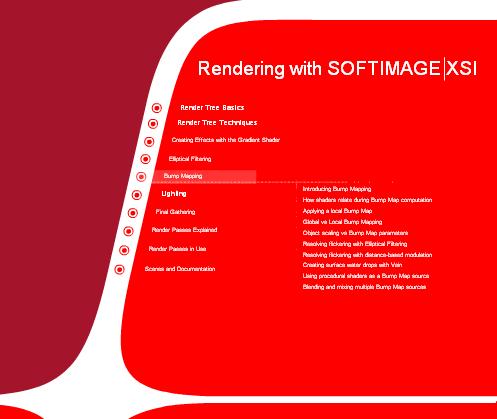
Modeling & Texturing in SoftImage - XSI شماره ۷۳۳
آشنایی با تکنیکهای مدلسازی و تکستچرینک در نرم افزار معروف XSI در قالب یک دی وی دی
قیمت : قیمت کلیه محصولات را می توانید در فایل اکسل ( قابل دانلود ) ملاحظه نمائید
( آموزش شماره 733 )
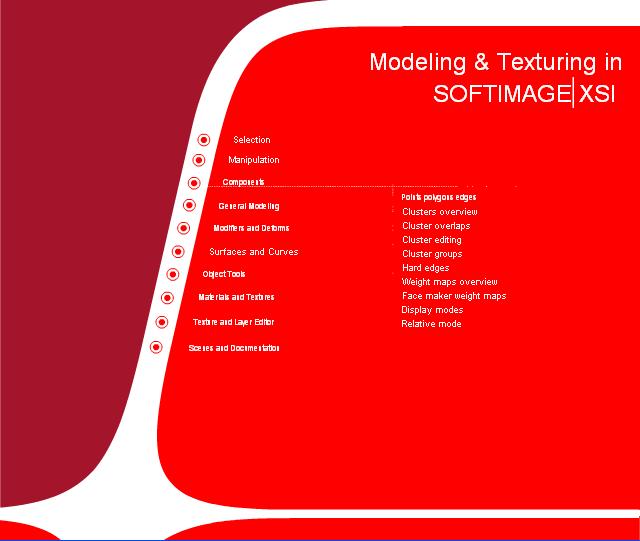
Gnomon - Workflow for the Animation Process in XSI شماره 732
آموزش workflow در جریان انیمیشن سازی که یکی از هنرمندان معروف Nick whitmire در مسترکلاس های گنومون در محیط نرم افزار XSI اجرا نموده است را تقدیم شما می کنیم
این آموزش بیش از 3 ساعت در 10 فصل در قالب یک دی وی دی عرضه می شود.
قیمت : قیمت کلیه محصولات را می توانید در فایل اکسل ( قابل دانلود ) ملاحظه نمائید
( آموزش شماره 732 )

Digital Tutors - Rigging Next Gen Characters in XSI شماره ۷۳۱
Digital Tutors - Rigging Next Gen Characters in XSI Learn a production workflow to rigging and enveloping, create custom tools, and time-saving methods for creating game-ready characters rigs. Contains over 6 hours of project-based training for artists learning character rigging for next-generation games.
این آموزش در قالب چهار سی دی آماده عرضه می باشد
قیمت : قیمت کلیه محصولات را می توانید در فایل اکسل ( قابل دانلود ) ملاحظه نمائید
( آموزش شماره 731 )

Gnomon Workshop - Rendering and Texturing in 3ds Maxwith Ramy Ha
آموزش تکنیکهای رندرینگ و تکستچرینگ در تری دی مکس
قیمت : قیمت کلیه محصولات را می توانید در فایل اکسل ( قابل دانلود ) ملاحظه نمائید
( آموزش شماره 730 )
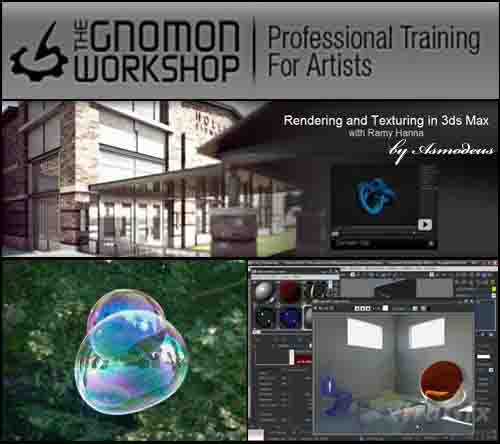
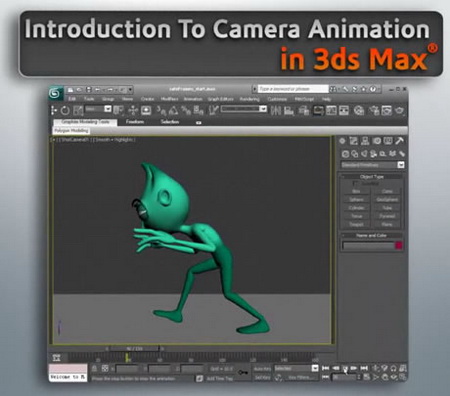
Digital Tutors - Introduction to Camera Animation in 3DsMax ش729
This course will provide you with a foundation for camera animation in Max. We'll cover everything from creating turntables, to techniques we can use to add more entertainment to our shots by camera animation alone. We'll learn various ways we can rig cameras and even discuss shot composition to make sure the audience knows who the significant players and objects of interest are in our scene. By the end, you'll have the knowledge you need to animate the camera confidently, producing results that can captivate an audience.
Lesson Outline (14 lessons)
1. Introduction and Project Overview
2. Working with Safe Frames
3. Creating a Turntable Animation
4. Setting up Camera Rigs
5. Animating a Fly-through
6. Animating the Camera to Follow a Dynamic Action
7. Creating Subtle Camera Animations
8. Animating Camera shakes
9. Camera Cuts and Close-ups
10. The Vertigo Effect
11. Shot Continuity
12. Choosing Meaningful Camera Angles
13. The Rule of Thirds
14. The Triangular Composition
قیمت : قیمت کلیه محصولات را می توانید در فایل اکسل ( قابل دانلود ) ملاحظه نمائید
( آموزش شماره 729 )
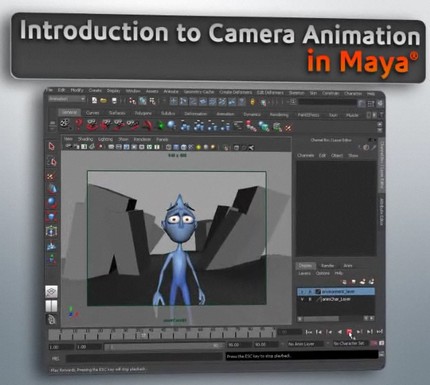
Digital Tutors - Introduction to Camera Animation in Maya 2011
We’ll cover everything from creating turntables, to techniques we can use to add more entertainment to our shots by camera animation alone. We’ll learn various ways we can rig cameras and even discuss shot composition to make sure the audience knows who the significant players and objects of interest are in our scene. By the end, you’ll have the knowledge you need to animate the camera...
قیمت : قیمت کلیه محصولات را می توانید در فایل اکسل ( قابل دانلود ) ملاحظه نمائید
( آموزش شماره 728 )
Digital Tutors - Getting Started with UVs in Maya 2011 شماره 727
UVs and UV layouts are important aspects of creating textures for our 3d models. They let us tell Maya how to apply the 2d images we create. Having a good uv layout can really make a difference in speeding up texture creation and optimizing your results. Lesson Outline (12 lessons) 1. Introduction and Project Overview2. Visual Guide to UVs3. Basics of UVs in Maya4. Using Planar Mapping5.
قیمت : قیمت کلیه محصولات را می توانید در فایل اکسل ( قابل دانلود ) ملاحظه نمائید
( آموزش شماره 727 )
