فروشگاه ناوک - آموزش و نرم افزار گرافیکی انیمیشن طراحی و معماری
ارزانترین فروشگاه ارائه دهنده محصولات گرافیکی ، آموزشی ، نرم افزار و معماری
فروشگاه ناوک - آموزش و نرم افزار گرافیکی انیمیشن طراحی و معماری
ارزانترین فروشگاه ارائه دهنده محصولات گرافیکی ، آموزشی ، نرم افزار و معماریLynda.Com Adobe Flash Catalyst CS5 Essential Training شماره 756
In Flash Catalyst CS5 Essential Training, author Mordy Golding demonstrates how to create and publish fully interactive Flash (SWF) micro sites, widgets, portfolios, and applications from static Photoshop, Illustrator, and Fireworks artwork all without writing code. The course covers planning a project, importing and organizing assets, creating interactive components, defining repeating data lists, and publishing final projects. Exercise files are included with the course.
قیمت : قیمت کلیه محصولات را می توانید در فایل اکسل ( قابل دانلود ) ملاحظه نمائید
( آموزش شماره 756 )
Lynda.com - Flash Professional CS5 Essential Training شماره 755
In Flash CS5 Professional Essential Training, author Todd Perkins explains the fundamentals of Flash Professional CS5, the industry standard for creating animations and interactive applications for the web, desktop, and mobile devices. This course starts with the basics, such as using the drawing tools to create simple animations, and progresses to automating animation with tweens and adding interactivity with ActionScript. This course also covers how to add sound and video to projects, enhance realism with effects like easing, and publish a project to a variety of platforms. Exercise files are included.
Topics include:
* Becoming familiar with the Flash workspace
* Drawing basic shapes
* Masking content
* Organizing a file into layers
* Importing content into the Library
* Understanding symbols and instances
* Inserting frames and keyframes in the Timeline
* Animating with motion and shape tweens
* Creating IK (Inverse Kinematics) animations
* Using ActionScript code snippets to control video playback
* Publishing HTML, SWF, and AIR files from Flash
قیمت : قیمت کلیه محصولات را می توانید در فایل اکسل ( قابل دانلود ) ملاحظه نمائید
( آموزش شماره 755 )
Lynda.com Acrobat 9 Pro Creating Multimedia Projects شماره754
Acrobat 9 Pro has the ability to integrate JavaScript, multimedia, and Flash within interactive PDFs. In Acrobat 9 Pro: Creating Multimedia Projects, Brian Wood teaches web developers, graphic designers, and anyone else how to use Adobe Acrobat 9 Pro. He shows how to create visually exciting PDF presentations, documents, and interface elements for distribution on the web, on CD/DVD, and via email. Brian explains the difference between embedded and linked media elements and shares several JavaScript examples that relate to all aspects of multimedia. Exercise files accompany the course.
قیمت : قیمت کلیه محصولات را می توانید در فایل اکسل ( قابل دانلود ) ملاحظه نمائید
( آموزش شماره 754 )
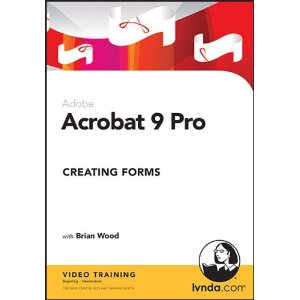
Lynda.com Adobe Acrobat 9 Pro Creating Forms شماره 753
آموزش ساخت فرم ها در Acrobat CS4
آموزش ویرایش فرم ها در نرم افزار Acrobat Pro CS4
Distributing Acrobat Forms
مقایسه ما بین Acrobat و چرخه زندگی فرم ها در Acrobat CS4
Creating LiveCycle Designer Forms
آموزش کار کردن با فیلدهای فرم های LiveCycle در نرم افزار Adobe Acrobat CS4
آموزش کارکردن با جداول LiveCycle
آموزش جامع ویرایش فرم های LiveCycle در نرم افزار Adobe Acrobat CS4
Distributing LiveCycle Forms
قیمت : قیمت کلیه محصولات را می توانید در فایل اکسل ( قابل دانلود ) ملاحظه نمائید
( آموزش شماره 753 )
Lynda.com Acrobat 9 Pro Essential Training شماره 752
آموزش شناخت و استفاده از Interface نرم افزار Acrobat 9
آموزش چگونگی ایجاد فایل های PDF در نرم افزار Acrobat 9 CS4
آموزش ترکیب اسناد در نرم افزار Acrobat 9
آموزش ویرایش فایل های PDF در نرم افزار Adobe Acrobat CS4
آموزش Bookmarks در Adobe Acrobat 9 CS4
آموزش کاربرد Link ها در نرم افزار Adobe Acrobat CS4
آموزش قراردهی محتویات در مکان های مورد نیاز در فایل PDF
آموزش Collaborating در نرم افزار Adobe Acrobat 9 CS4
آموزش جستجو در Acrobat 9 CS4
آموزش چگونگی برقراری امنیت در فایل های PDF تولید شده توسط نرم افزار Adobe Acrobat CS4
قیمت : قیمت کلیه محصولات را می توانید در فایل اکسل ( قابل دانلود ) ملاحظه نمائید
( آموزش شماره 752 )

Lynda.com Acrobat 9 Pro Getting Started شماره 751
آموزش اینکه Adobe Acrobat چیست و یا همان What is Acrobat
اشتراک ایده ها
آموزش کار کردن بهتر با هر کسی در نرم افزار Adobe Acrobat 9 Pro CS4
آموزش ساده سازی روند ساخت در نرم افزار Adobe Acrobat CS4
Workflow for business and technical professionals
Workflow for creative professionals
این آموزش در قالب یک سی دی از شرکت لیندا عرضه شده است
قیمت : قیمت کلیه محصولات را می توانید در فایل اکسل ( قابل دانلود ) ملاحظه نمائید
( آموزش شماره 751 )
نحوه خرید از فروشگاه
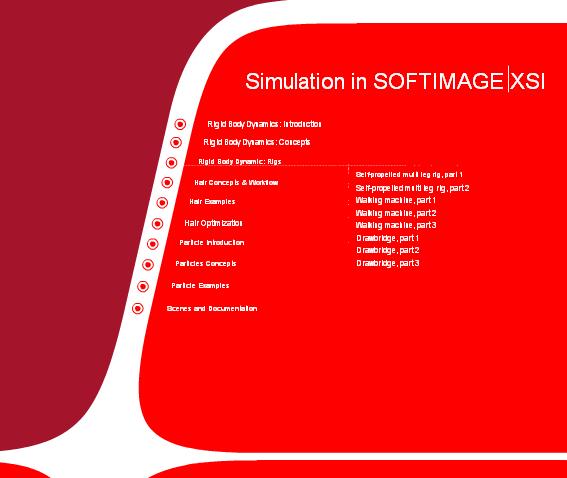
Simulation in SoftImage - XSI شماره ۷۵۰
آموزش تکنیکهای شبیه سازی در نرم افزار قدرتمند XSI برای علاقمندان به کار با این برنامه جالب
قیمت : قیمت کلیه محصولات را می توانید در فایل اکسل ( قابل دانلود ) ملاحظه نمائید
( آموزش شماره 750 )
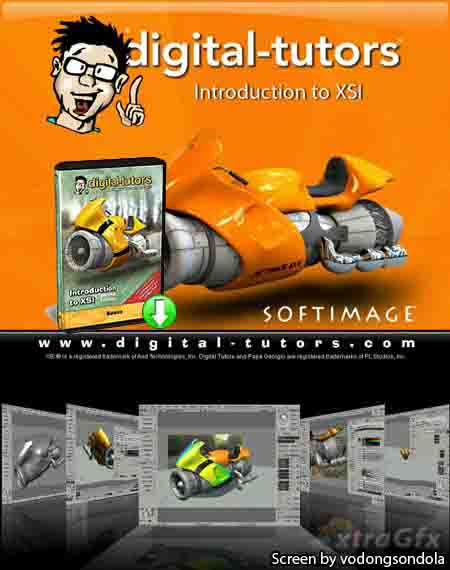
Digital Tutors - Introduction to XSI, 2nd Edition شماره 749
یکی از آموزشهای کامل نرم افزار XSI که توسط شرکت Digital Tutors در چهار فصل و چهار سی دی عرضه شده است و نکات بسیار آموزنده ای را به علاقمندان انتقال می دهد این چهار فصل عبارتند از :
Introduction to XSI, 2nd Edition | CD 1: Essentials
|
Digital Tutors - Introduction to XSI Render Tree شماره 748
Explore the Render Tree and gain control over the appearance of your objects in XSI with 2.5 hours of project-based training. Ideal for new and beginning users.
Includes a free trial of SOFTIMAGE|XSI v.5 Foundation!
Popular highlights include:
* Render Tree Overview
* Bump Map Generators
* Displacement Maps
* Texture Projections
* Mix Nodes
* Advanced Texture Placement
* Volumetric Effects with Light Shaders
* Layering Textures
* Ambient Occlusion Shader
* Material Editor
قیمت : قیمت کلیه محصولات را می توانید در فایل اکسل ( قابل دانلود ) ملاحظه نمائید
( آموزش شماره 748 )

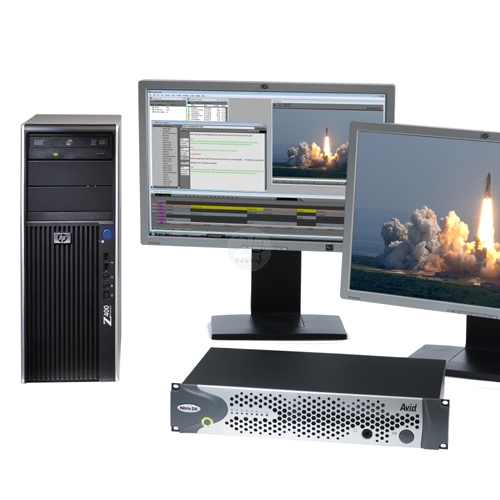
Avid Symphony شماره 747
The ultimate finishing solution editing system. "Total Conform". The Avid Symphony is for the production that has been cut off-line and needs to be brought up to higher resolutions, including 1:1 for broadcast. More and more cable giants such as Discovery, History Channel and all the networks are accepting products finished only the Symphony as a non-linear source. The Symphony provides a new non-linear approach to color correction, with a 10-bit, real-time scene to scene color correction engine, efficient source correction capabilities, a broad advanced toolset, and "smart" features such as Natural Match and SafeColor.
قیمت : قیمت کلیه محصولات را می توانید در فایل اکسل ( قابل دانلود ) ملاحظه نمائید
( برنامه شماره 747 )