فروشگاه ناوک - آموزش و نرم افزار گرافیکی انیمیشن طراحی و معماری
ارزانترین فروشگاه ارائه دهنده محصولات گرافیکی ، آموزشی ، نرم افزار و معماری
فروشگاه ناوک - آموزش و نرم افزار گرافیکی انیمیشن طراحی و معماری
ارزانترین فروشگاه ارائه دهنده محصولات گرافیکی ، آموزشی ، نرم افزار و معماریCG Academy HLSL Shader Creation 1: HLSL Fundamentals ش ۸۷۷
In the first of our Advanced, 3 DVD series on HLSL Shader writing within 3dsmax, Ben Cloward will give you an understanding of what a HLSL shader is. How a shader can be created with free software, edited and then displayed within 3dsmax. Fundamental programming concepts such as Data Types, Structs and Functions. How to create a shader GUI, the basic framework of a HLSL shader and much much more. By the close of the DVD, Ben will have you writing your own basic HLSL shaders. قیمت : قیمت کلیه محصولات را می توانید در فایل اکسل ( قابل دانلود ) ملاحظه نمائید ( آموزش شماره ۸۷۷ ) |

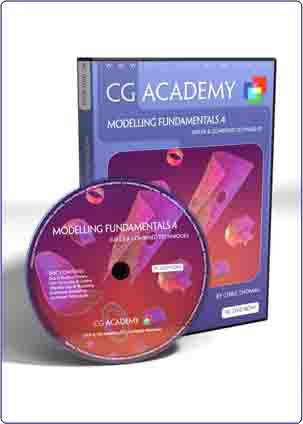
CG Academy Modeling Fundamentals 4 - Sub-Ds &Combined Techniques
In this DVD we conclude our modelling fundamental series by tackling the subject of sub-division surface modelling. Chris will introduce you to the philosophy and technology behind sub-d surfaces, how to create them within 3dsmax and how to effectively model using them. We use those skills to model a number of elements on our go-cart model. We look at how we can optimize our sub-d workflow, and mix our techniques to more effectively model. And Chris concludes the DVD and series with an exploration of some best working practices and tips and tricks.
This DVD is aimed at a user who is new to modelling in 3dsmax. The DVD assumes the user has completed DVDs 1, 2and 3 in this series, or that they have the skills equivalent to those taught in those DVDs.
قیمت : قیمت کلیه محصولات را می توانید در فایل اکسل ( قابل دانلود ) ملاحظه نمائید
( آموزش شماره ۸۷۶ )
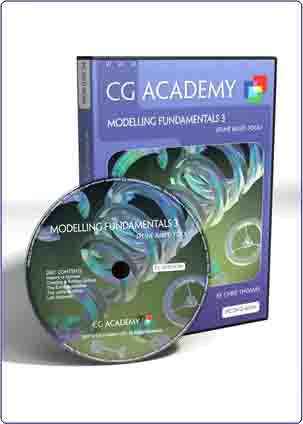
CG Academy Modeling Fundamentals 3 - Spline Based Tools ش ۸۷۵
This DVD continues our look at the fundamentals of modelling in 3dsmax. Here we focus on 3dsmax’s curve based modelling toolset, which is based on Bezier Splines. You’ll be shown how to create Splines from scratch, or via the numerous built in templates. How to edit and combine those Splines into more complex forms. How to use the Extrude, Lathe and Loft Tools to create complex custom surfaces. We continue our series spanning go-cart modelling project. And we conclude with a quick look at Splines use in animation.
This DVD is aimed at a user who is new to modelling in 3dsmax. The DVD assumes the user has completed DVDs 1 and 2 in this series, or that they have the skills equivalent to those taught in those DVDs.
قیمت : قیمت کلیه محصولات را می توانید در فایل اکسل ( قابل دانلود ) ملاحظه نمائید
( آموزش شماره ۸۷۵ )
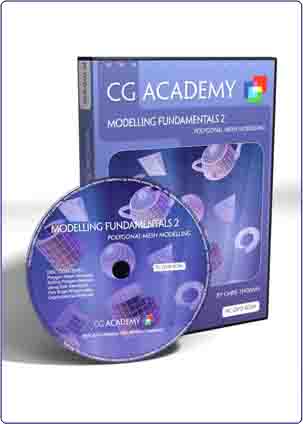
CG Academy Modeling Fundamentals 2 - Polygonal Mesh Modelling
This DVD continues our series on modelling fundamentals by exploring polygonal modelling. You will be shown the key differences between the Edit Mesh and Edit Poly geometry types. You’ll be shown the main elements of mesh editing, including creating polygons from scratch, attaching and detaching meshes, flipping Normals, modifying smoothing groups and material IDs, ring selection and division, bevelling and much more.
This DVD is aimed at a user who is new to 3dsmax and modelling. The DVD assumes the user has completed DVD1 in this series, or has the skills equivalent to those taught in that DVD.
قیمت : قیمت کلیه محصولات را می توانید در فایل اکسل ( قابل دانلود ) ملاحظه نمائید
( آموزش شماره ۸۷۴ )
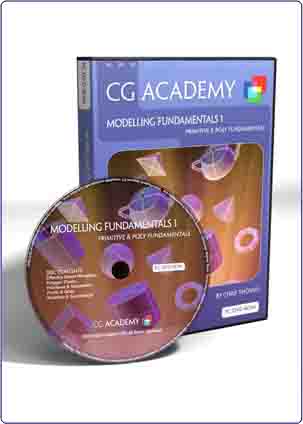
CG Academy Modeling Fundamentals 1 - Primitive & Poly Fundamenta
This is the first in a four DVD series that aims to teach the fundamentals of modelling in 3dsmax. In this first DVD you will learn how to effectively navigate and manipulate objects in 3D space. Then the DVD moves on to teach you what polygons are and how they are fundamental to all modelling systems. Then we learn about Primitives and how we can change their form using Modifiers and Spacewarps. And finally we make a start on a series wide project to build a go-cart using the skills developed in this DVD.
This DVD is aimed at a user who is new to 3dsmax and modelling. The DVD makes no assumptions about your 3D knowledge and aims to give you a ground up tuition in modelling. Its topics are wide ranging and form a foundation for the DVDs that follow in this series.
قیمت : قیمت کلیه محصولات را می توانید در فایل اکسل ( قابل دانلود ) ملاحظه نمائید
( آموزش شماره ۸۷۳ )
CG Academy Particle Flow Fundamentals 5 - Practical Examples
Practical Examples concludes our Particle Flow Fundamentals series with an in depth look at nine diverse real world effects. We look at how to approach each example in the most efficient manner, how different flow topologies can be used to tackle different effect problems. How materials can be used to produce animated effects, and how animated meshes can be instanced into our flows to help in realising our compelling series of effects.
This DVD is aimed at a user with a basic knowledge of Particle Flow. It has been primarily designed as a continuation of our Particle Flow Fundamentals series, though it is also very much suitable for those of an intermediate level of Particle Flow use.
قیمت : قیمت کلیه محصولات را می توانید در فایل اکسل ( قابل دانلود ) ملاحظه نمائید
( آموزش شماره ۸۷۲ )

CG Academy Particle Flow Fundamentals 2 - Basics Operators 1
This DVD continues our Particle Flow Basics series by covering in depth the first three sets of Particle Flow Operators. The Operators covered are… Birth, Birth Script, Delete, Position Icon, Position Object, Rotation, Spin, Scale, Speed, Speed By Surface, Speed By Icon and Keep Apart.
This DVD is aimed at a user with a basic knowledge of Particle Flow. It has been primarily designed as a continuation of our Particle Flow Fundamentals series, though it is also very much suitable for use by those that already have a basic knowledge of Particle Flow and who wish to gain a greater insight into the use of the Operators covered by this DVD.
قیمت : قیمت کلیه محصولات را می توانید در فایل اکسل ( قابل دانلود ) ملاحظه نمائید
( آموزش شماره ۸۷۱ )
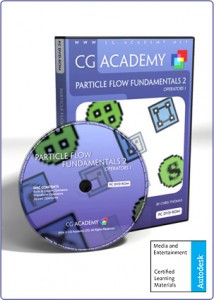
CG Academy Particle Flow Fundamentals 3 - Operators 2 شماره ۸۷۰
The third DVD in our Particle Flow Fundamentals series continues our in depth examination of its Operators. The Operators covered are… Shape, Shape Facing, Shape Instance, Shape Mark, Materials Static, Material Dynamic, Material Frequency, Mapping, Cache, Display, Notes, Force, Render and Script..
This DVD is aimed at a user with a basic knowledge of Particle Flow. It has been primarily designed as a continuation of our Particle Flow Fundamentals series, though it is also very much suitable for use by those that already have a basic knowledge of Particle Flow and who wish to gain a greater insight into the use of the Operators covered by this DVD.
قیمت : قیمت کلیه محصولات را می توانید در فایل اکسل ( قابل دانلود ) ملاحظه نمائید
( آموزش شماره ۸۷۰ )

CG Academy Particle Flow Fundamentals 1 - Principles and Workflo
This DVD introduces the user to Particle Flow, the new schematic particle system first introduced in release 6.0 of 3dsmax. Chris will guide you through the fundamentals of what particles are, how Particle Flow is structured, the elements of its GUI and on how to construct your own first Particle Flows.
This DVD is aimed at an intermediate 3dsmax user, someone who is comfortable with its interface and workflow. The DVD does not assume any previous particle system experience however and is suitable to those that are new to the field, as well as to those moving over from other 3d software packages.
قیمت : قیمت کلیه محصولات را می توانید در فایل اکسل ( قابل دانلود ) ملاحظه نمائید
( آموزش شماره ۸۶۹ )

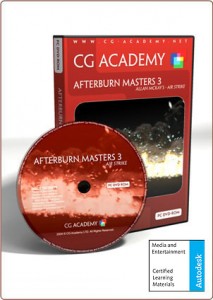
CG Academy Afterburn Masters 3 - Air Strike شماره ۸۶۸
In this DVD Allan tackles a real world production scenario using a highly procedural workflow. He demonstrates how to use a combination of Particle Flow and Afterburn to form a flow that creates an air strike by a squadron of bomber jets. Each jet drops a bomb and this triggers a chain of events that leads to a number of effects that cascade from the original bomb release. A perfect example of how to push your Particle Flow and Afterburn based effects to a higher level and make your particles truly think for themselves!
This DVD is ideal for advanced Particle Flow users and those that are comfortable in using Afterburn. It is an exploration of procedural methods using Particle Flow to achieve a complex real world production level effect.
قیمت : قیمت کلیه محصولات را می توانید در فایل اکسل ( قابل دانلود ) ملاحظه نمائید
( آموزش شماره ۸۶۸ )