فروشگاه ناوک - آموزش و نرم افزار گرافیکی انیمیشن طراحی و معماری
ارزانترین فروشگاه ارائه دهنده محصولات گرافیکی ، آموزشی ، نرم افزار و معماری
فروشگاه ناوک - آموزش و نرم افزار گرافیکی انیمیشن طراحی و معماری
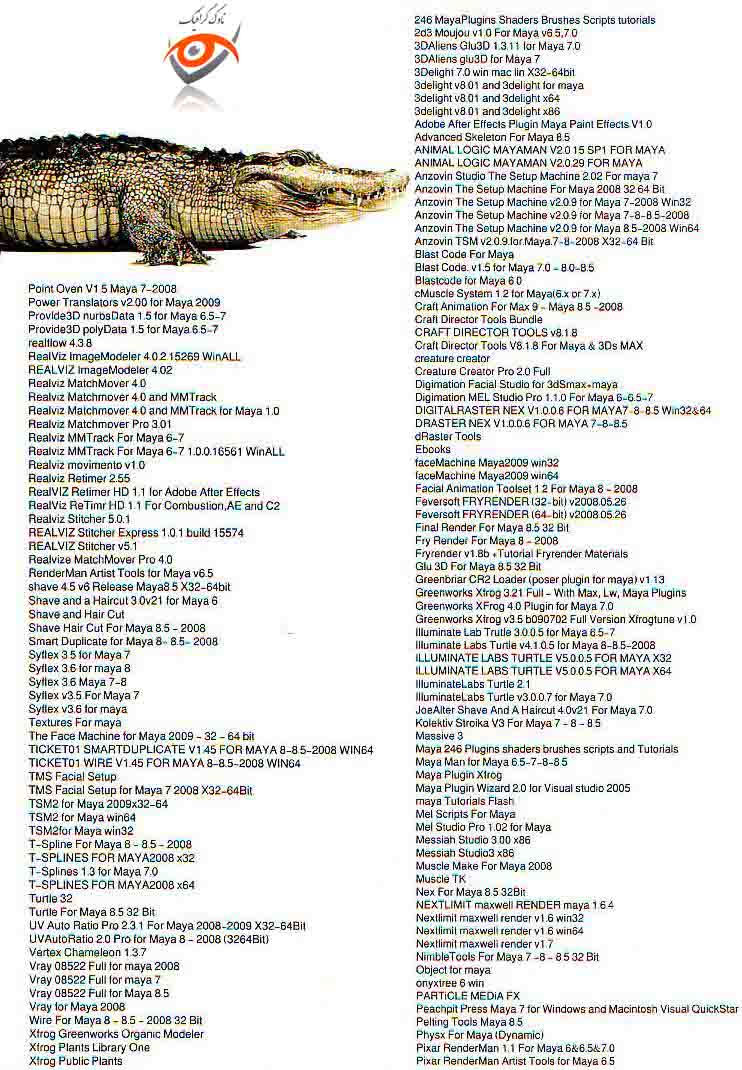
ارزانترین فروشگاه ارائه دهنده محصولات گرافیکی ، آموزشی ، نرم افزار و معماریMaya Plugins Collection Disk 1 & 2 شماره 456
بزرگترین کلکسیون پلاگین مایا که یکی از بی نظیرترین و کمیاب ترین مجموعه پلاگین های حال حاضر در محیط نرم افزار قدرتمند مایا بوده که امیدواریم مورد رضایت همگان واقع شود
این مجموعه در قالب دو دی وی دی بوده که با نازلترین قیمت ممکن عرضه می شود
لیست کلیه پلاگینهای موجود در تصویر زیر گنجانده شده است
قیمت : قیمت کلیه محصولات را می توانید در فایل اکسل ( قابل دانلود ) ملاحظه نمائید
( مجموعه شماره 456 )
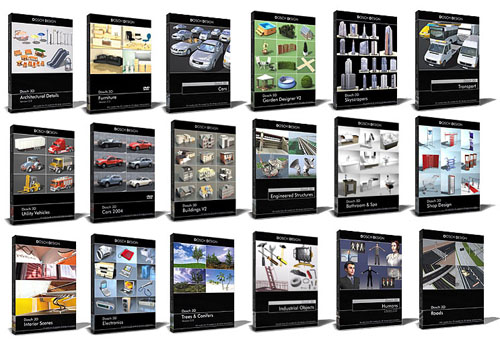
Dosch-3D Design Collection Disk 1 & 2 & 3 شماره 455
مجموعه ای کامل از آبجکتهای 3D که در نرم افزار 3DS Max قابل استفاده می باشد . این مجموعه در قالب 3 دی وی دی قابل عرضه می باشد . لیست محتویات این مجموعه عبارتست از :
Dosch3D - Modern Furniture
Dosch3D - Trees & Conifers
Dosch3D - Low Poly People
Dosch3D - vray cars
Dosch3D - Passenger Transporation
Dosch3D - Buildings V2
Dosch3D - Cars 2007 VRay
Dosch3D - Images People Business SUB100
Dosch3D - Images People PrivateLife SUB100
Dosch3D - Architectural Details
Dosch3D - Buildings
Dosch3D - car models
Dosch3D - Engineered Structures
Dosch3D - Furniture V2.2
Dosch3D - Shop Design
Dosch3D - furniture
Dosch3D - Garden Designer
Dosch3D - Historic Decoration
Dosch3D - Logo Animations V2 for 3ds max
Dosch3D - Skyscrapers
Dosch3D - Dosch HDRI, Skies (3 CDs)
Dosch3D - HDRI nature
Dosch3D - Humans
Dosch3D - Roads
Dosch3D - CARS 2004 INTERNAL
Dosch3D - CARS 2005 INTERNAL
Dosch3D - CARS 2006 INTERNAL
قیمت : قیمت کلیه محصولات را می توانید در فایل اکسل ( قابل دانلود ) ملاحظه نمائید
( مجموعه شماره 455 )
Gnomon Workshop - Environment Creature for Production in 3DSMax
این دی وی دی آموزشی، به بررسی روند خلق و طراحی یک محیط کاملا سه بعدی و مجازی تری دی مکس به بررسی چگونگی تبدیل تصاویر دو بعدی به سه بعدی و خلق آبجکت های زیبا در دنیای غیر واقع از طریق مدل سازی و Pipeline های سه بعدی می پردازد .
مباحث آموزشی Environment Creation for Production
1-مفهوم پرسپکتیو
2-Layout
3- طرح اولیه نوع مدل سازی
4-مدل سازی
5-تنظیم مختصات نقوش
6-ترسیم بافت ها
7-مدل سازی ساختمان
قیمت : قیمت کلیه محصولات را می توانید در فایل اکسل ( قابل دانلود ) ملاحظه نمائید
( آموزش شماره 454 )
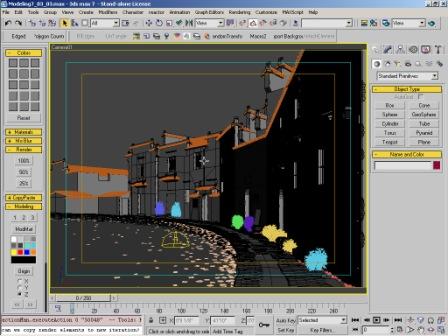
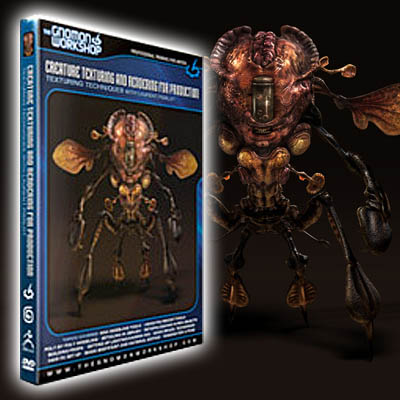
Gnomon Workshop - Creature Texturing and Rendering for Productio
آموزش تکنیکهای تکستچرینگ و رندر کردن یک موجود خیالی برای استفاده در بازیها و فیلمها که در محیط نرم افزاری 3DSMax در قالب دو دی وی دی برای همه هنرجویان آماده شده است
In this 2DVD, Laurent reveals his techniques for creating the textures and shaders for the final stage of the creature modeling and texturing pipeline. Laurent shows how to create texture maps from scratch using a small library of different concrete and plaster textures. Using BodyPaint, he takes the cavity map from ZBrush and uses it as a guide to create the other maps for the creature. Laurent demonstrates how he experiments with one area of the body and then brings it to a near final stage before duplicating the maps and shaders for the rest of the creature using Photoshop® and Max. He then shows how to use BodyPaint to paint over the seams and finalize the textures. Finally, Laurent renders out separate passes and composites them together in Digital Fusion, discussing how this process allows better control of the final image and enables him to test the shaders for scene assembly and lighting
قیمت : قیمت کلیه محصولات را می توانید در فایل اکسل ( قابل دانلود ) ملاحظه نمائید
( آموزش شماره 453 )
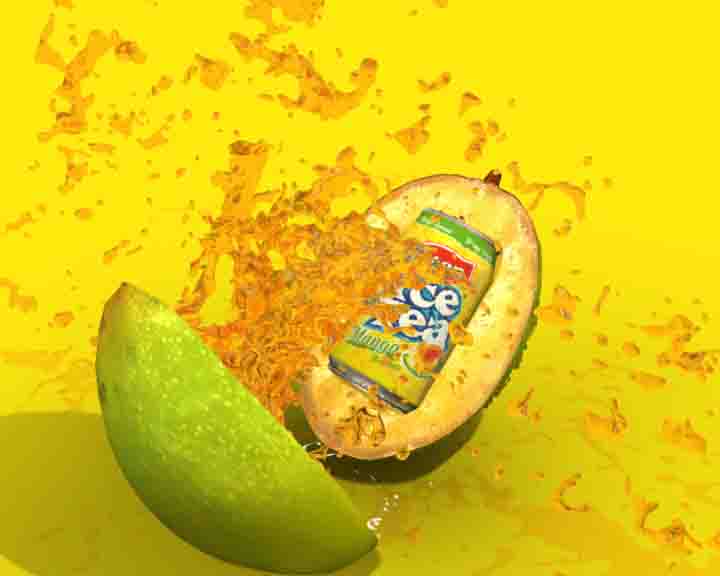
Gnomon Workshop - Fluid Simulation With GLU 3D in 3DSMaشماره 452
آموزش پارامترهای اصلی GLU 3D در تری دی مکس شامل نودهای اصلی GLU 3D ، منبع ذرات ، مدیریت اشیاء و ...
این آموزش در قالب یک دی وی دی از شرکت Gnomon Workshop قابل عرضه می باشد
قیمت : قیمت کلیه محصولات را می توانید در فایل اکسل ( قابل دانلود ) ملاحظه نمائید
( آموزش شماره 452 )
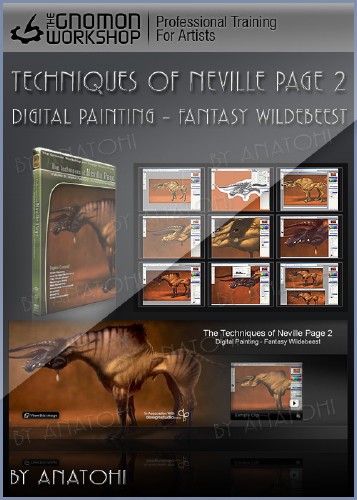
Gnomon The Techniques of Neville Page Vol 1 & 2 شماره 451
آموزش طراحی یک مدل فانتزی و تکنیکهای موجود در فتوشاپ جهت ایجاد این طرح که در قالب دو سی دی و بالغ بر 4 ساعت آموزش از شرکت Gnomon Workshop آماده عرضه می باشد
Neville breaks down the development of character design and drawing into a systematic process that is easy to follow and easy to implement. He starts off with a very free form approach utilizing black/white thumbnails to create strong silhouettes. This also helps to take the edge off of the potential intimidation at the start of a project. Neville shows you how to create plausible anatomy, form delineation via simple primitive shape studies and surface detailing such as skin, wrinkles, hair and graphics.
TOPICS:
Developing Ideas
Thumbnail Sketching
Developing a Strong Character
Anatomy
Lighting Your Subject
Surface Detailing
Graphics
Rendering Technique
قیمت : قیمت کلیه محصولات را می توانید در فایل اکسل ( قابل دانلود ) ملاحظه نمائید
( آموزش شماره 451 )
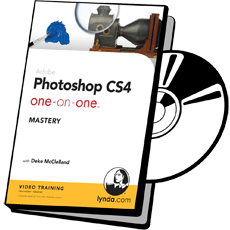
Lynda.com - Photoshop CS4 One-on-One Mastery شماره 450
Photoshop mastery can be elusive, but in Photoshop CS4 One-on-One: Mastery, best-selling author and video trainer Deke McClelland teaches the most powerful, unconventional, and flexible features of the program. In this third and final installment of the popular and comprehensive series, Deke delves into the strongest features that Photoshop has to offer, including scalable vector graphics, Smart Objects, and Photomerge. Exercise files accompany the course
قیمت : قیمت کلیه محصولات را می توانید در فایل اکسل ( قابل دانلود ) ملاحظه نمائید
( آموزش شماره 450 )
Lynda.com - Photoshop CS4 Extended for Video شماره 449
آموزش فتوشاپ CS4 برای کار با برنامه های ویدیویی در قالب یک دی وی دی از شرکت لیندا
برای کسب اطلاع از محتویات این دی وی دی به صفحه راهنما رجوع نمائید
قیمت : قیمت کلیه محصولات را می توانید در فایل اکسل ( قابل دانلود ) ملاحظه نمائید
( آموزش شماره 449 )

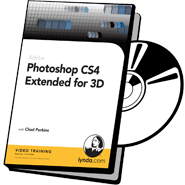
Lynda.com - Photoshop CS4 Extended for 3D شماره 448
آموزش فتوشاپ CS4 برای استفاده در کارهای سه بعدی
The 3D capabilities in CS4 move Photoshop into a new dimension of image creation. Adobe Certified Instructor Chad Perkins reviews the new 3D panel in Photoshop CS4, and demonstrates how to use 3D files in other applications, such as Bridge and After Effects. Chad reviews the basic 3D workflow, and then explores techniques for using cameras and perspective, creating 3D scenes from photos, working with layers, manipulating 3D objects, and even creating 3D animation
برای کسب اطلاعات بیشتر به صفحه راهنما رجوع نمائید
قیمت : قیمت کلیه محصولات را می توانید در فایل اکسل ( قابل دانلود ) ملاحظه نمائید
( آموزش شماره 448 )
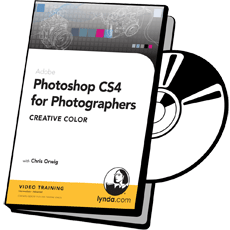
Lynda.com - Photoshop CS4 For Photographers - Creative Color ش44
آموزش کار با خصوصیات رنگ در فتوشاپ CS4 ویژه عکاسان در قالب یک سی دی
برای کسب اطلاع از محتوی این سی دی می توانید به صفحه راهنما رجوع نمائید
قیمت : قیمت کلیه محصولات را می توانید در فایل اکسل ( قابل دانلود ) ملاحظه نمائید
( آموزش شماره 447 )