فروشگاه ناوک - آموزش و نرم افزار گرافیکی انیمیشن طراحی و معماری
ارزانترین فروشگاه ارائه دهنده محصولات گرافیکی ، آموزشی ، نرم افزار و معماری
فروشگاه ناوک - آموزش و نرم افزار گرافیکی انیمیشن طراحی و معماری
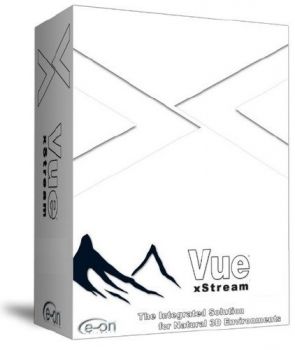
ارزانترین فروشگاه ارائه دهنده محصولات گرافیکی ، آموزشی ، نرم افزار و معماریVue infinite Xstream v6.0 شماره 786
نرم افزار Vue infinite Xstream v6.0 بهمراه پلاگین مربوطه برای علاقمندان به کار با این نرم افزار خارق العاده در قالب یک سی دی
قیمت : قیمت کلیه محصولات را می توانید در فایل اکسل ( قابل دانلود ) ملاحظه نمائید
( مجموعه شماره 786 )
GeekAtPlay Studio - Visual FX Tutorial DVD in VUE شماره 785
آموزش برنامه فوق العاده جالب Vue
This series of tutorials does just that. Learn how to use Vue, After Effects and Photoshop to take your home movies and professional productions to a whole new level. The topics below will be covered on this DVD
1. Greenscreen
2. Multi-layers and keylight animation, part one
3. Multi-layers and keylight animation, part two
4. Sky replacement
5. Creating set extensions, part one
6. Creating set extensions, part two
7. Creating set extensions, part three
8. Creating set extensions, part four
9. Animated alphamats
10. Shaking focus
11. Castle, part one
12. Castle, part two
13. Castle, part three
14. Explosions with Particle Illusion
15. UFO, realistic camera movements
16. HDRI, part one
17. HDRI, part two
18. Working with Camera tracking information
19. Title
قیمت : قیمت کلیه محصولات را می توانید در فایل اکسل ( قابل دانلود ) ملاحظه نمائید
( آموزش شماره 785 )
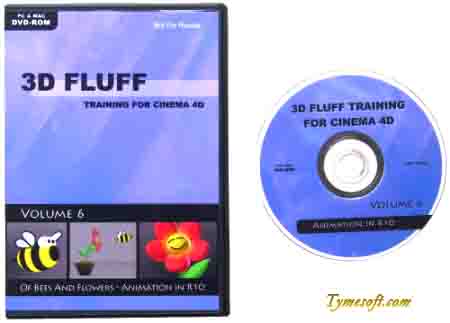
3D Fluff Volume 6 - Animation in Cinema 4D شماره 784
و اما آخرین عنوان از مجموعه 3D Fluff در خصوص تکنیکهای انیمیشن سازی در نرم افزار قدرتمند Cinema 4D بحث می کند
قیمت : قیمت کلیه محصولات را می توانید در فایل اکسل ( قابل دانلود ) ملاحظه نمائید
( آموزش شماره 784 )
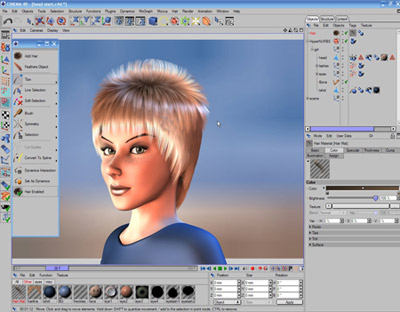
3D Fluff Volume 5 - Hair in Cinema 4D شماره ۷۸۳
پنجمین عنوان از این مجموعه را با عنوان آشنایی با تکنیکهای ساخت مو برای شما عزیزان آماده عرضه نموده ایم
قیمت : قیمت کلیه محصولات را می توانید در فایل اکسل ( قابل دانلود ) ملاحظه نمائید
( آموزش شماره ۷۸۳ )
3D Fluff Volume 4 - Advanced Lighting & Rendering in in Cinema۴D
دی وی دی شماره ۴ این مجموعه که به بحث پیرامون تکنیکهای پیشرفته رندرینگ و نوردهی می پردازد را آماده عرضه نموده ایم که امیدواریم مورد قبول واقع شود
قیمت : قیمت کلیه محصولات را می توانید در فایل اکسل ( قابل دانلود ) ملاحظه نمائید
( آموزش شماره ۷۸۲ )
3D Fluff Volume 3 - Non-Organic Modeling in Cinema 4D
قسمت سوم از این مجموعه آموزشی فوق العاده جالب که به بحث پیرامون مدلسازی غیر ارکانیک می پردازد .
Main topics covered:
- Creating clean and efficient polygon meshes
- HyperNURBS weighting
- Polygon and Spline based modeling
- Which tool to use in any given situation
- Making your life easier with the correct selection tools
- Common shortcuts
قیمت : قیمت کلیه محصولات را می توانید در فایل اکسل ( قابل دانلود ) ملاحظه نمائید
- ( آموزش شماره ۷۸۱ )
3D Fluff Volume 2 - Radiosity Interiors in Cinema 4D شماره 780
On the drive rollers provided training as well as the basics of the subtleties of the work in CINEMA 4D.
This DVD contains four o'clock material at 1024x768 with high quality audio. MAXON Webshop
قیمت : قیمت کلیه محصولات را می توانید در فایل اکسل ( قابل دانلود ) ملاحظه نمائید
( آموزش شماره 780 )
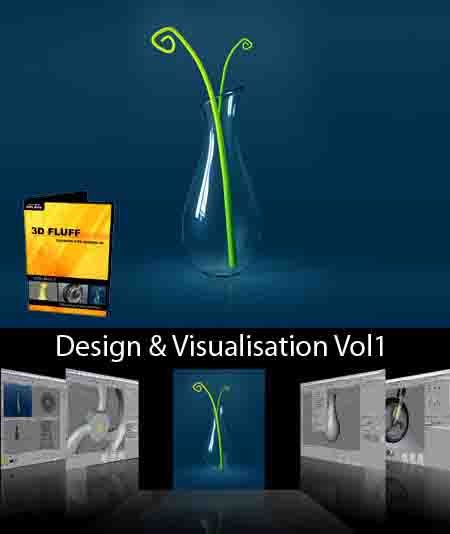
3D Fluff Volume 1 - Design & Visualisation in Cinema 4D ش 779
Design and visualisation is one of the main professional uses for CINEMA 4D. That's why we've chosen this as a topic for our first training DVD. The DVD consists of two main parts: the first part will take you through creating a stylish glass vase by starting with the modeling and finishing off the final render in Photoshop.
In part two you will learn how to model, texture, animate and render a bike wheel and how to use XPresso and Sketch & Toon to take it even further. We've also included all the project files and a few extra goodies on the DVD.
The projects are aimed at intermediate to advanced users of CINEMA 4D. We've worked hard to give you the highest possible video and audio quality to make sure you won't miss a single thing. The video is presented with a lossless codec at a resolution of 1024x768 pixels.
The projects make use of the Advanced Render and Sketch & Toon modules but even if you only own the core package of CINEMA 4D Release 9 you will still be able to work through the projects.
The tutorials are co-presented by Matthew O'Neill and Janine Pauke. In total, the videos are just under 4 hours long.
Main topics covered:
- Modeling (incl. new modeling tools in Release 9)
- Materials and Rendering (incl. HDRI, anisotrophic highlights, realistic glass and water)
- Sketch & Toon for technical visualisation
- Basic XPresso for advanced animation
- Post processing in Photoshop
- Scene optimisation
قسمتهای بعدی این مجموعه بسیار ارزنده به مرور بر روی سایت قرار داده خواهد شد
قیمت : قیمت کلیه محصولات را می توانید در فایل اکسل ( قابل دانلود ) ملاحظه نمائید
( آموزش شماره 779 )
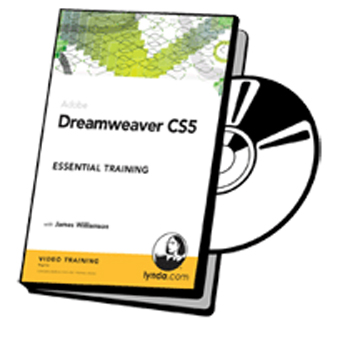
Lynda.com Dreamweaver CS5 Essential Training شماره 778
In Dreamweaver CS5 Essential Training, senior staff author and Adobe Certified Instructor James Williamson explores the tools and techniques of Dreamweaver CS5, Adobe’s web design and development software. This course covers both the ins and outs of Dreamweaver, as well as recommended best practices for crafting new web sites and files, the fundamentals of HTML and CSS, and how to ensure clean and accessible code. The course also includes how to use tools in Dreamweaver to create and style web pages, manage multiple sites, and add user interactivity with widgets and scripting. Exercise files are included with the course.
Topics include:
* Defining and structuring a new site
* Creating new web documents from scratch or from templates
* Adding and formatting text
* Understanding style sheet basics
* Placing and styling images
* Creating links to internal pages and external web sites
* Controlling page layout with CSS
* Building and styling forms
* Reusing web content with templates
* Adding interactivity
* Working with Flash and video
قیمت : قیمت کلیه محصولات را می توانید در فایل اکسل ( قابل دانلود ) ملاحظه نمائید
( آموزش شماره 778 )
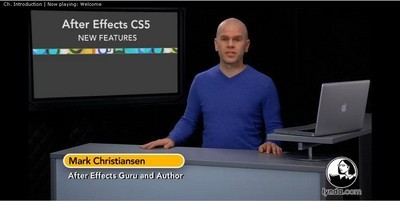
Lynda.com After Effects CS5 New Features شماره 777
آموزش نکات و ترفندهای جدید قویترین ویراستار و تدوینگر فیلم بنام After Effect CS5 که در قالب یک DVD از شرکت لیندا آماده عرضه می باشد
قیمت : قیمت کلیه محصولات را می توانید در فایل اکسل ( قابل دانلود ) ملاحظه نمائید
( آموزش شماره 777 )