
فروشگاه ناوک - آموزش و نرم افزار گرافیکی انیمیشن طراحی و معماری
ارزانترین فروشگاه ارائه دهنده محصولات گرافیکی ، آموزشی ، نرم افزار و معماری
فروشگاه ناوک - آموزش و نرم افزار گرافیکی انیمیشن طراحی و معماری
ارزانترین فروشگاه ارائه دهنده محصولات گرافیکی ، آموزشی ، نرم افزار و معماریDream Land Furniture models شماره ۱۵۰۷
مجموعه مدلهای آماده تختخواب شامل ۵۷ مدل بسیار زیبا و قابل استفاده در تری دی مکس
قیمت : قیمت کلیه محصولات را می توانید در فایل اکسل ( قابل دانلود ) ملاحظه نمائید
( محصول شماره ۱۵۰۷ )

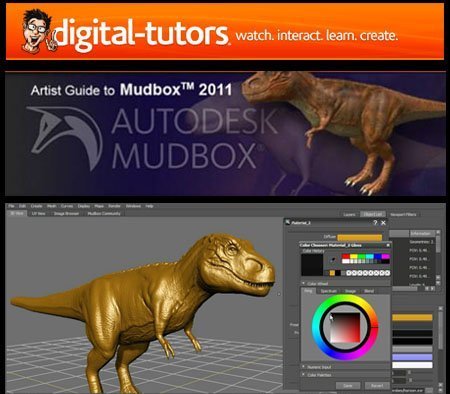
Digital Tutors - Artist Guide to Mudbox 2011 شماره 1506
یک آموزشی حرفه ای برای کسانیکه با نرم افزار قدرتمند Mudbox 2011 کار می کنند . در این آموزش به ساخت کامل یک تیرکس می پردازد .
In this series of lessons we'll learn how to combine depth maps to create correct layering between two renders. This allows us to split out scenes into multiple render layers while keeping the correct pixels on top.
قیمت : قیمت کلیه محصولات را می توانید در فایل اکسل ( قابل دانلود ) ملاحظه نمائید
( محصول شماره 1506 )
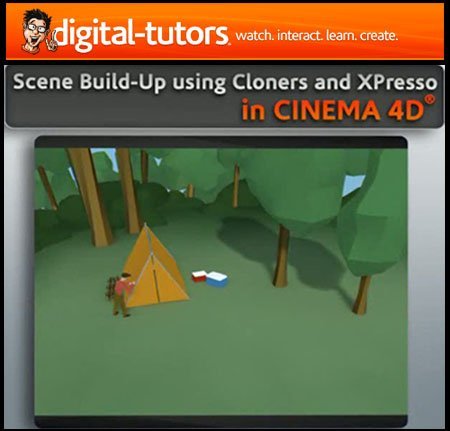
Digital Tutors - Scene Build Up using Cloners and Xpresso in CIN
| Digital Tutors - Scene Build Up using Cloners and Xpresso in CINEMA 4D |
In this series of lessons, we're going to use CINEMA 4D to quickly build up and tear down a scene.
One popular technique in graphics today, that you'll see in many commercials, is to quickly build up or remove objects within a scene in interesting ways. It may be a house building itself from the ground up or a car coming apart. CINEMA 4D offers a great deal of control in creating setups like this, especially when working with Mograph and XPresso. We'll start by building most of the geometry we'll need for our scene, a simple camp site. We'll use Cloner Objects and other methods to build geometry so that we'll have the maximum amount of control. We'll take a look at adding custom controls and using XPresso to set up those controls to drive different attributes of our objects. Finally, we'll key frame our new consolidated controls to create a fun animated piece. Once you're done, you'll be able set up and control your own custom scenes.
قیمت : قیمت کلیه محصولات را می توانید در فایل اکسل ( قابل دانلود ) ملاحظه نمائید
( محصول شماره 1505 )
Digital Tutors - Rendering RealFlow Meshes in Maya شماره 1504
In this course we will learn how to use a variety of lighting and shading tools in mental ray to simulate the appearance of realistic liquid materials. In this series of lessons, we will guide you through the process of using mental ray to realistically render RealFlow geometry within Maya. We will begin this process by learning how to import your mesh sequences from RealFlow into Maya and placing primary illumination sources. From there we will use the mental ray Architectural Materials to create realistic, refractive liquid, and discuss some very important settings to be aware of when using these shaders. Finally, we will create refractive caustic patterns that can add a high level of realism to the final render. Getting the proper look for your final renders will require a lot of troubleshooting and adjustments of many different attributes. Through these lessons, we will address many of these common problems that you will run into and how they can be resolved, allowing you to achieve the desired result in a much sorter amount of time.
Lesson Outline (8 lessons)
1. Introduction and Project Overview
2. Importing RealFlow meshes into Maya
3. Creating liquid material for RealFlow geometry
4. Refining refractive liquid material for RealFlow geometry
5. Creating materials with highly blurred reflections
6. Adding indirect illumination and shadow shaders
7. Adding caustics to RealFlow geometry render
8. Adding refinements to caustics and shadowing effects
*** Project files are included
قیمت : قیمت کلیه محصولات را می توانید در فایل اکسل ( قابل دانلود ) ملاحظه نمائید
( محصول شماره 1504 )
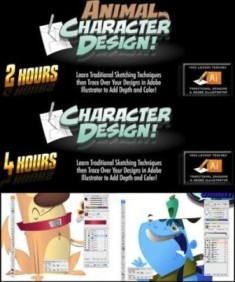
CartoonSmart - Character Design and Animal Character Design
آموزشی جالب از شرکت نام آشنای CartoonSmart در خصوص طراحی کارکترهای حیوانات با استفاده از نرم افزار معروف Illustrator CS5 که بسیار دیدنی و آموزنده می باشد .
Many people know the lessons to work with Adobe Flash. CartoonSmart started doing lessons to teach other software Adobe.
In this distribution includes 2 lessons : Drawing people (Character Design) , and Drawing Animals (Animal Character Design). Both lessons have focused on drawing the objects first , followed by treatment with a pencil sketch in Adobe Illustrator.
Each lesson included 2 files : 1) Text with a direct link to the lesson , and 2) the image -information to the title, with the duration of the lesson , and used software.
قیمت : قیمت کلیه محصولات را می توانید در فایل اکسل ( قابل دانلود ) ملاحظه نمائید
( محصول شماره 1502 )
Gnomon Workshop - The Techniques of Syd Mead شماره 1502
در این بخش نیز را با تکنیکهای کار با قلم و اسکیس و طراحی Syd Mead در قالب 4 سی دی تحت عناوین زیر آشنا می کنیم :
1.Thumbnail Sketching and Line Drawing with Syd Meat
2.Value Sketching with Syd Meat
3.Color Preliminary with Syd Meat
4.Final Gouache Rendering with Syd Meat
قیمت : قیمت کلیه محصولات را می توانید در فایل اکسل ( قابل دانلود ) ملاحظه نمائید
( محصول شماره 1502 )
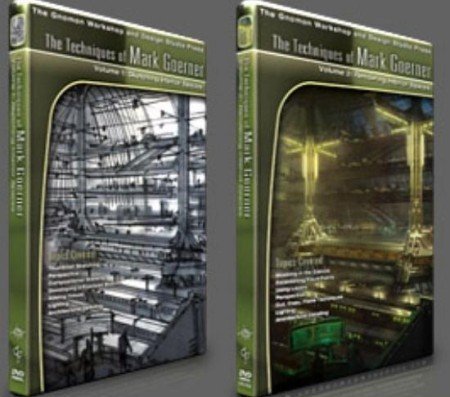
Gnomon Workshop - The Techniques of Mark Goerner شماره 1501
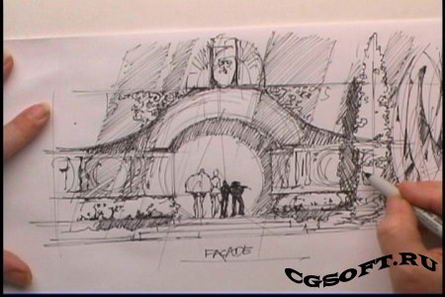
در این مجموعه آموزشی که از دوقسمت تشکیل شده شما با تکنیکهای Mark Goerner در زمینه اسکیس و رندر بخوبی آشنا می شوید .
The Techniques of Mark Goerner 1
Sketching Interior Spaces
This is Mark Goerner’s first disc in a series demonstrating the step-by-step development of interior spaces. This DVD covers the stages from thumbnail sketching to shaded and detailed marker sketches. Mark will show you the process he uses to strike a rough composition using the basic principals of 1, 2 and 3-point perspective, compositional massing and indication to convey interior spaces. Using traditional mediums of pen and marker, issues of scale, design ideation, lighting, value staging and ornamentation are explored and explained..
The Techniques of Mark Goerner 2
Rendering Interior Spaces
This is Mark Goerner’s second disc in a series demonstrating the step-by-step development of interior spaces. This DVD shows the process of taking a marker sketch from the previous DVD into Adobe Photoshop to create a full color digital painting. Mark will take you through the process he uses to develop a color palette by establishing hues and values for focus in addition to using photo reference and perspective grids. Issues of building a believable atmosphere, design exploration using layers, techniques of cut, copy and paste to generate both repeated design elements and patterns, as well as plotting reflections are covered.
قیمت : قیمت کلیه محصولات را می توانید در فایل اکسل ( قابل دانلود ) ملاحظه نمائید
( محصول شماره 1501 )
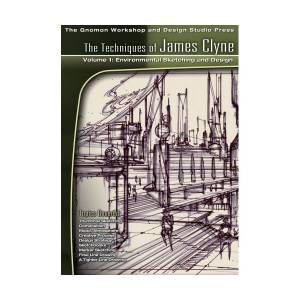
Gnomon Workshop - Environment Sketching and Design - James Clyne
| Gnomon Workshop - Environment Sketching and Design - James Clyne, Vol. 1 |
In this educational DVD, James explores the crucial first steps in the creation of powerful design ideation and quick environmental layout techniques. James will take you through a step-by-step progression of pen and marker sketching and the ideas behind them. Multiple avenues will be explored culminating in a final drawing, executed on design vellum, ready for rendering. These techniques mimic the process in which James brainstorms for ideas in the pre-production phase of a feature film. He will also demonstrate the creation of a dramatic and effective environment through the use of such themes as scale, mood, depth, and composition. All artists within the fields of film, industrial, game, and architectural design will find such techniques useful for producing advanced and inventive imagery.
قیمت : قیمت کلیه محصولات را می توانید در فایل اکسل ( قابل دانلود ) ملاحظه نمائید
( محصول شماره 1500 )
Video2Brain Mac OS X Snow Leopard شماره 1499
اگر از جمله کاربرانی هستید که علاقه به استفاده از سیستم عامل قدرتمند مکینتاش هستید توصیه می کنیم حتما این آموزش بی نظیر و کامل را ببینید مطمئنا شیفته این سیستم عامل خواهید شد . این سیستم عامل محصول شرکت پرطرفدار Apple می باشد جهت کارهای گرافیکی و انیمیشن سازی دارای سرعت و قدرت بالایی می باشد . و تا چندی پیش این سیستم عامل تنها برروی سیستمهای بر پایه Apple نصب میشد که این مشکل نیز توسط متخصصین برطرف گردیده و قابل نصب برروی سیستم مورد استفاده ما می باشند . این آموزش یکی از کاملترین آموزشهای حال حاضر در خصوص این سیستم عامل منحصربفرد می باشد که در قالب دو دی وی دی آماده عرضه به علاقمندان می باشد .
قیمت : قیمت کلیه محصولات را می توانید در فایل اکسل ( قابل دانلود ) ملاحظه نمائید
( محصول شماره 1499 )

Vray 2.0 Plugins For 3ds MAX 2008-2012 شماره 1498
مجموعه کامل و بی نظیری از پلاگین Vray 2.0 برای تمامی ورژنهای برنامه تری دی مکس 2008 تا 2012 بصورت 32 بیتی و 64 بیتی
قیمت : قیمت کلیه محصولات را می توانید در فایل اکسل ( قابل دانلود ) ملاحظه نمائید
( محصول شماره 1498 )
